BOM Table: 323 Components at a Glance
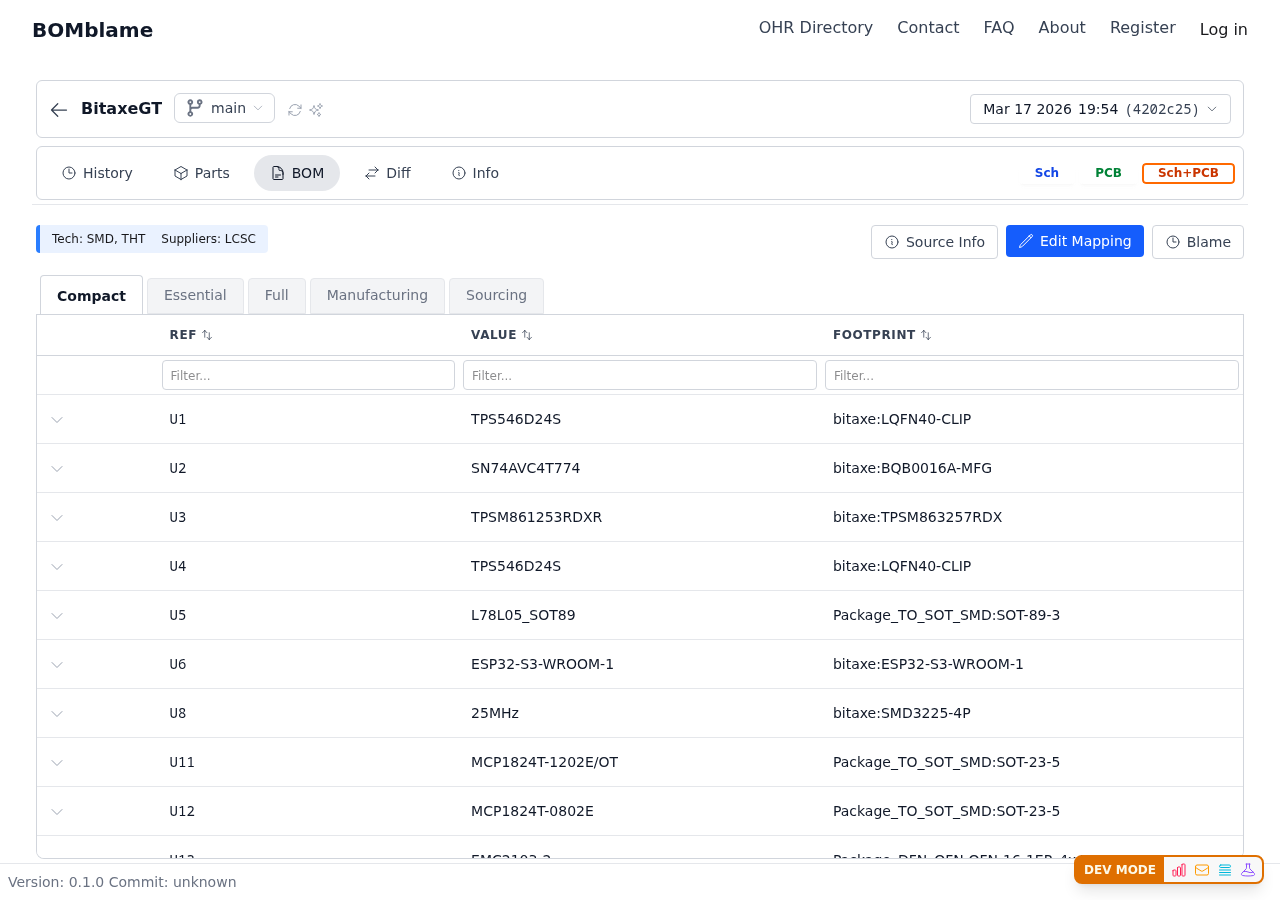
Switch between views to see exactly what you need:
- Compact — ref, value, footprint (quick scan)
- Manufacturing — footprints and placement data
- Sourcing — supplier, LCSC codes, availability
- Full — everything in one table
Spot issues fast: Are all LCSC codes filled in? Any components missing footprints? The Sourcing tab answers this immediately — no manual BOM audit needed.
Export for JLCPCB — one click. The export button generates a BOM file formatted for JLCPCB assembly, using the LCSC part numbers already in the design.
Diff: See Exactly What Changed
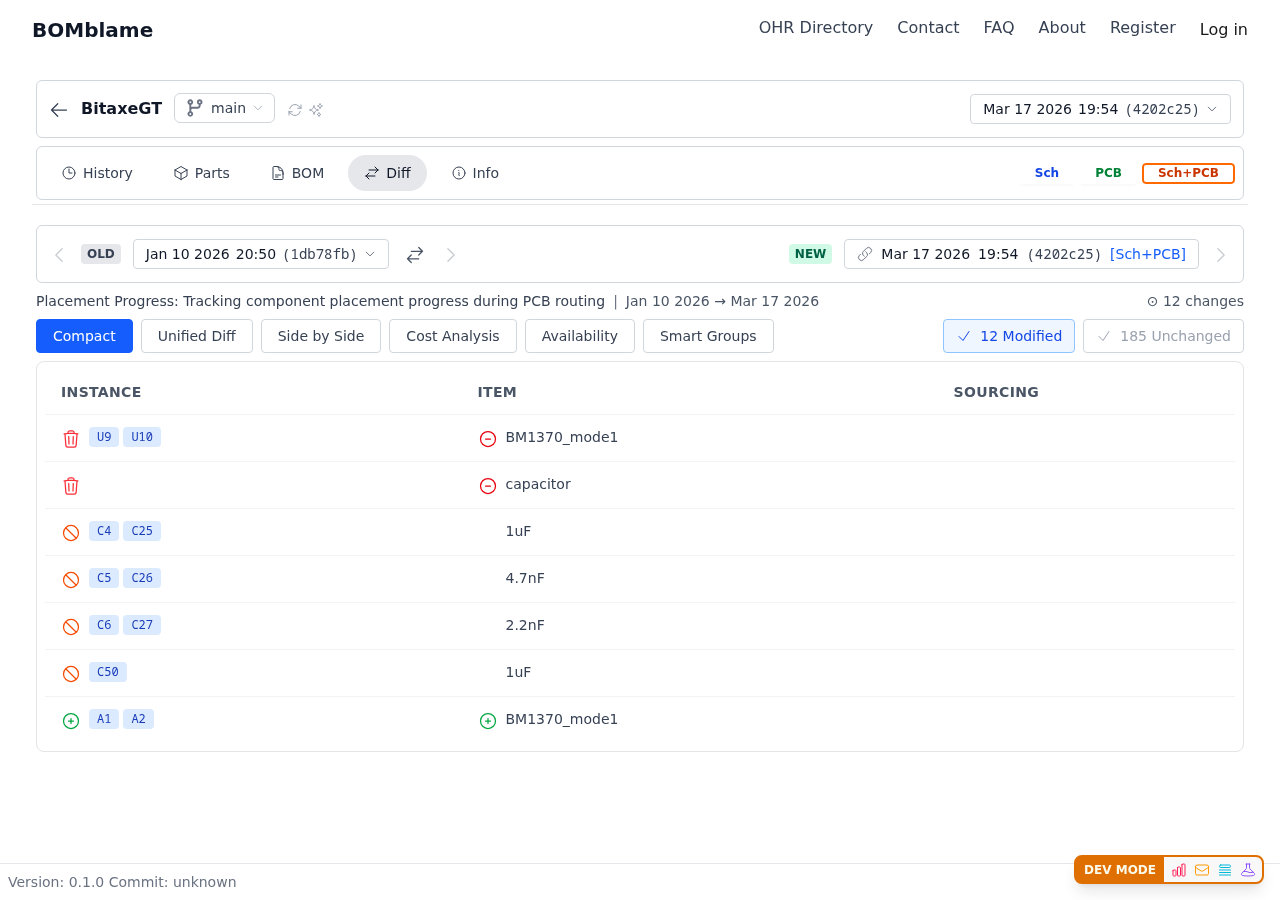
Select any two commits and see the component-level diff:
- Added components highlighted
- Removed components shown
- Value changes (capacitor changed from 1uF to 4.7uF)
- Sourcing changes (manufacturer/part number updates)
Real example in BitaxeGT: Compare across the power supply redesign and you see capacitors changing sizes (10uF from 0402 to 0603 — a DFM fix), regulators swapping (TPS546D24 configuration changes), and the fan controller upgrade from basic to dual-temperature-input.
The diff doesn't just tell you "files changed." It tells you exactly which components were affected and how.
Design State: Health at a Glance
The Design State progress bar shows mounting and sourcing completeness for every revision:
- 100% Mounted — all components placed on PCB
- Sourcing — how many parts have supplier data
Watch this change over time. Early commits show partial mounting as the PCB layout progresses. The moment gerbers are generated, you expect 100% — if it's not, something was missed.
Blame: Trace Every Component Decision
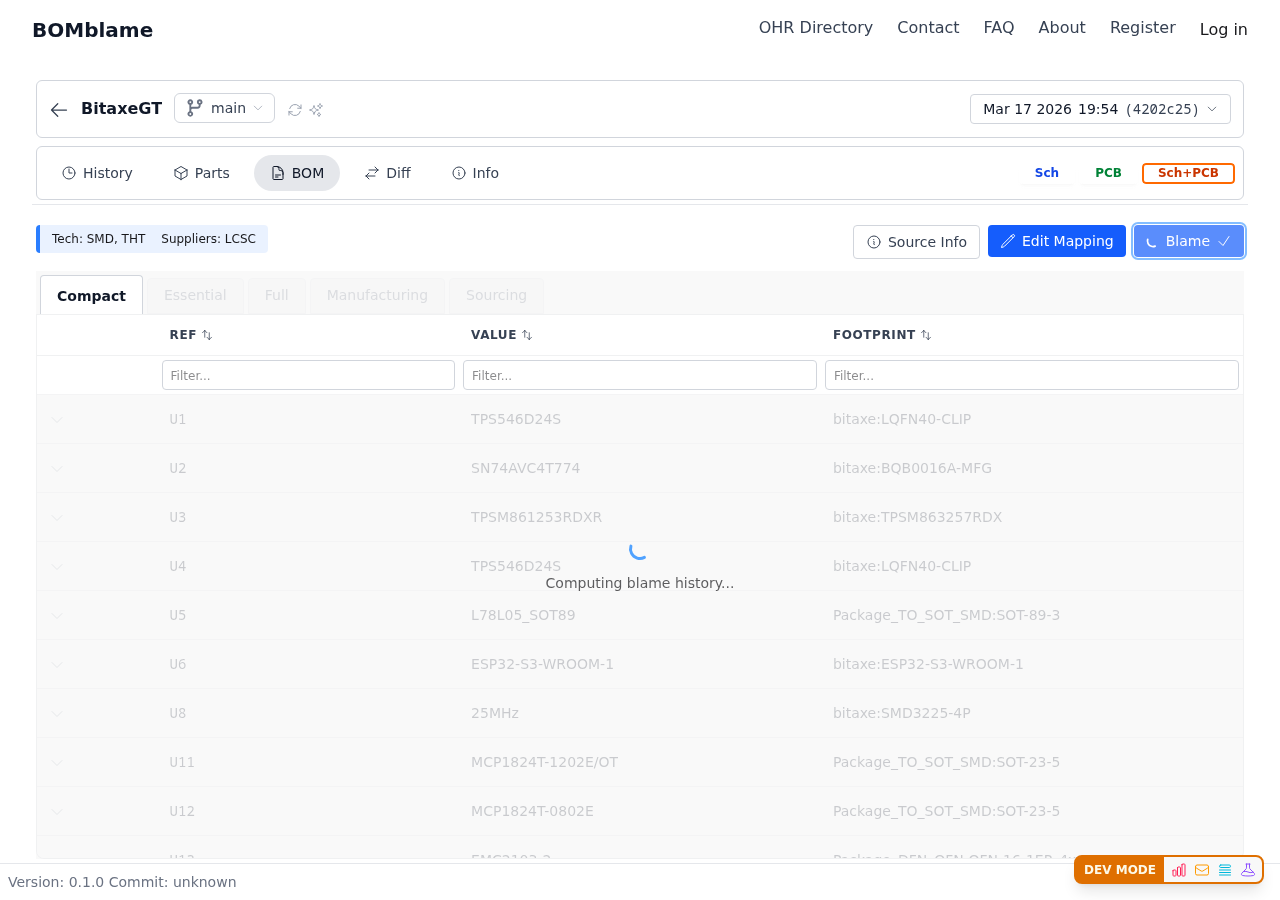
Hover over any component to see when it was added and by whom. For BitaxeGT:
- macphyter made most design decisions — component selection, power architecture
- Community contributors added LCSC codes and BOM metadata
- GitHub issue fixes (#3, #4, #10) are traceable to specific component changes
"Why did this fan controller get a 10k strapping resistor?" Blame shows it was added in August 2025 referencing GitHub issue #10. One click to full context.
Compare Revisions to Catch Mistakes
BOMblame catches things that are invisible in a file diff:
- Completely removed PCB — the diff shows "0 components" where there were hundreds. You can't miss it.
- Typos in references — Je instead of J2 shows up as a renamed component, not buried in a KiCad XML diff.
- Accidental DNP — a component that was populated in the last revision but marked DNP now? The diff highlights it.
These are the errors that slip through schematic review but BOMblame makes obvious.
Try It Yourself
Browse the BOM. Switch to Diff and compare two revisions. Check the Sourcing tab for JLCPCB readiness.
Open BitaxeGT →